How to Check eBook Licences, Pricing, DRM and Regional Availability
Check eBook licence models, prices, discounts, DRM restrictions and regional rights on the Browns Books website, and view prices in your own currency.
Last updated About 3 hours ago
Find the title
1. Go to the Browns Books website.
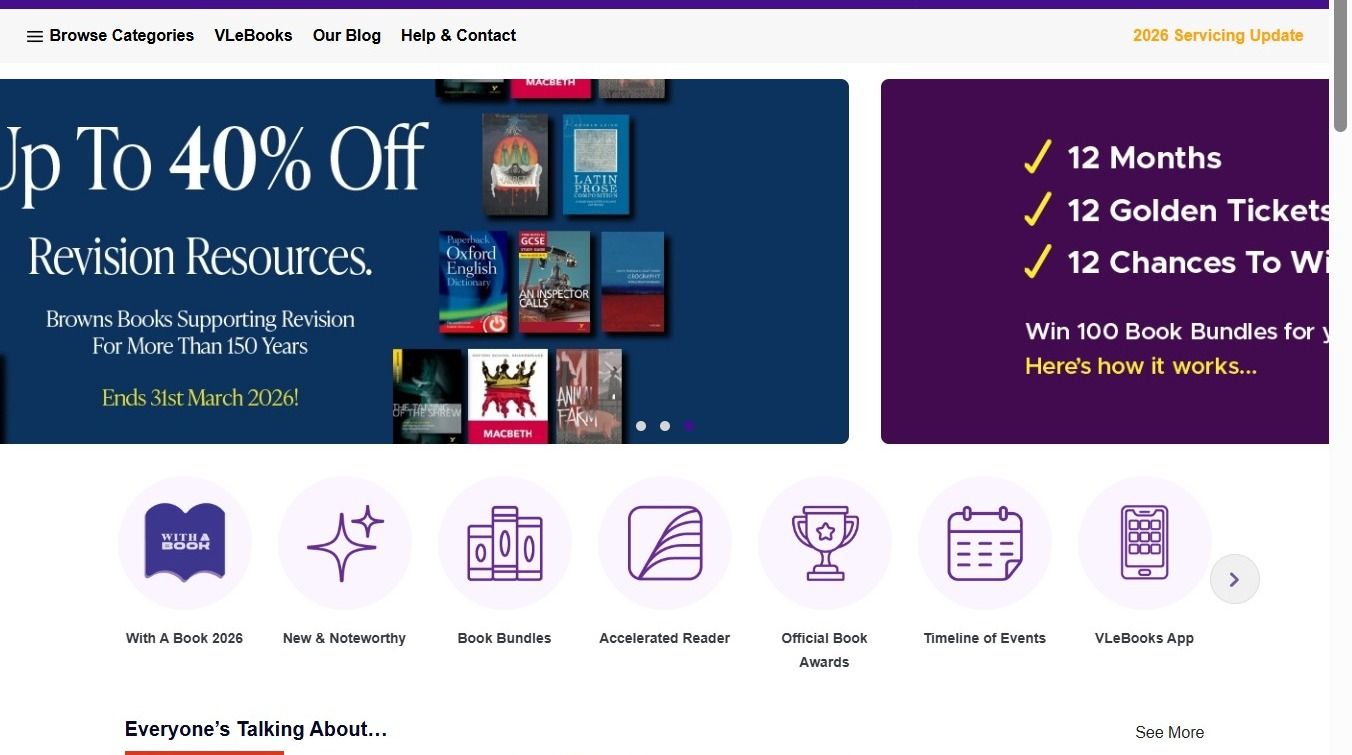
2. Search for the title you need.
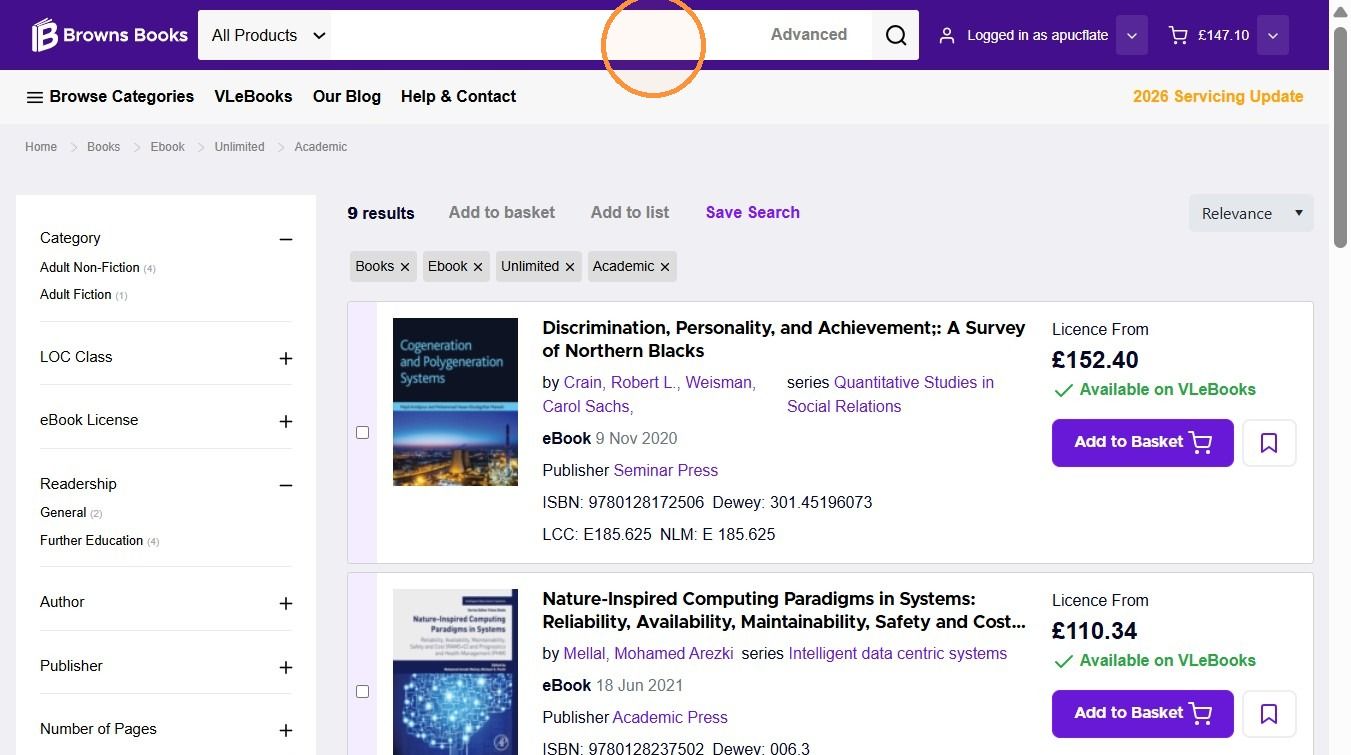
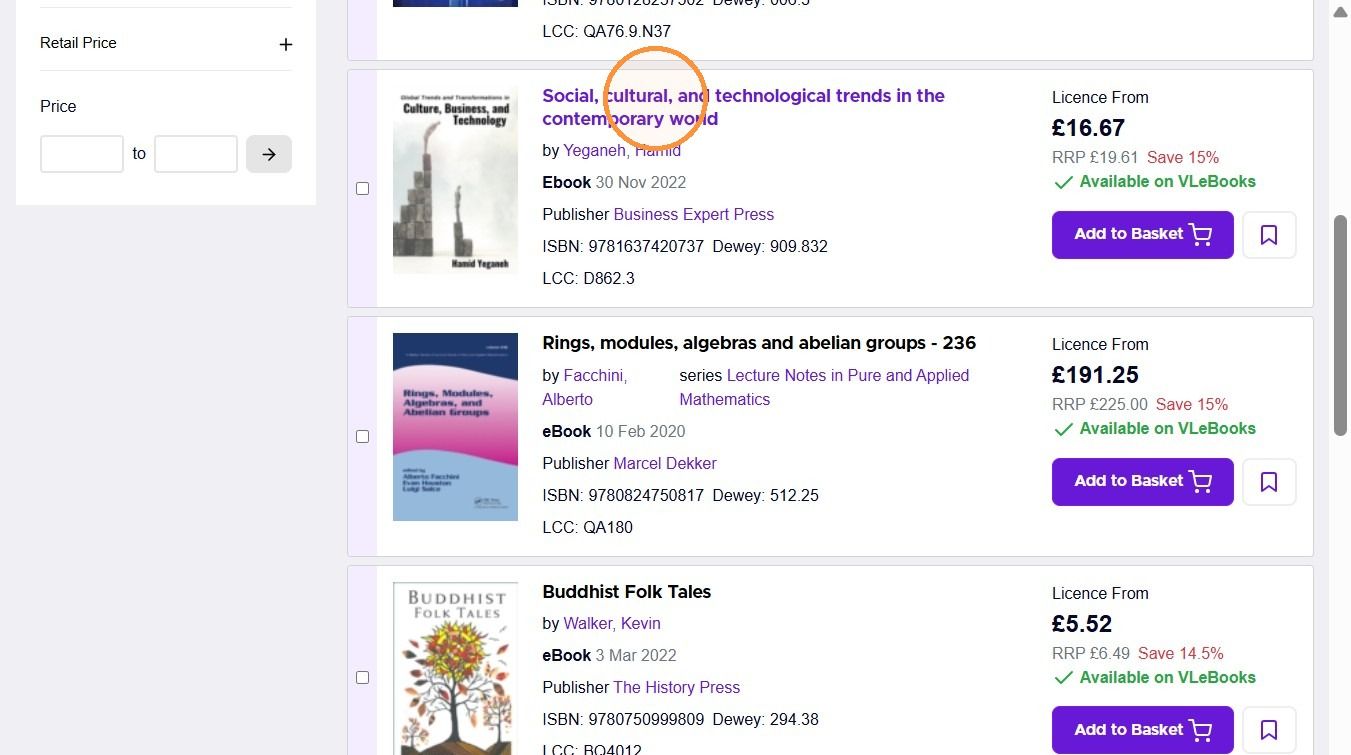
3. Select the title from the search results.
Licence models and prices
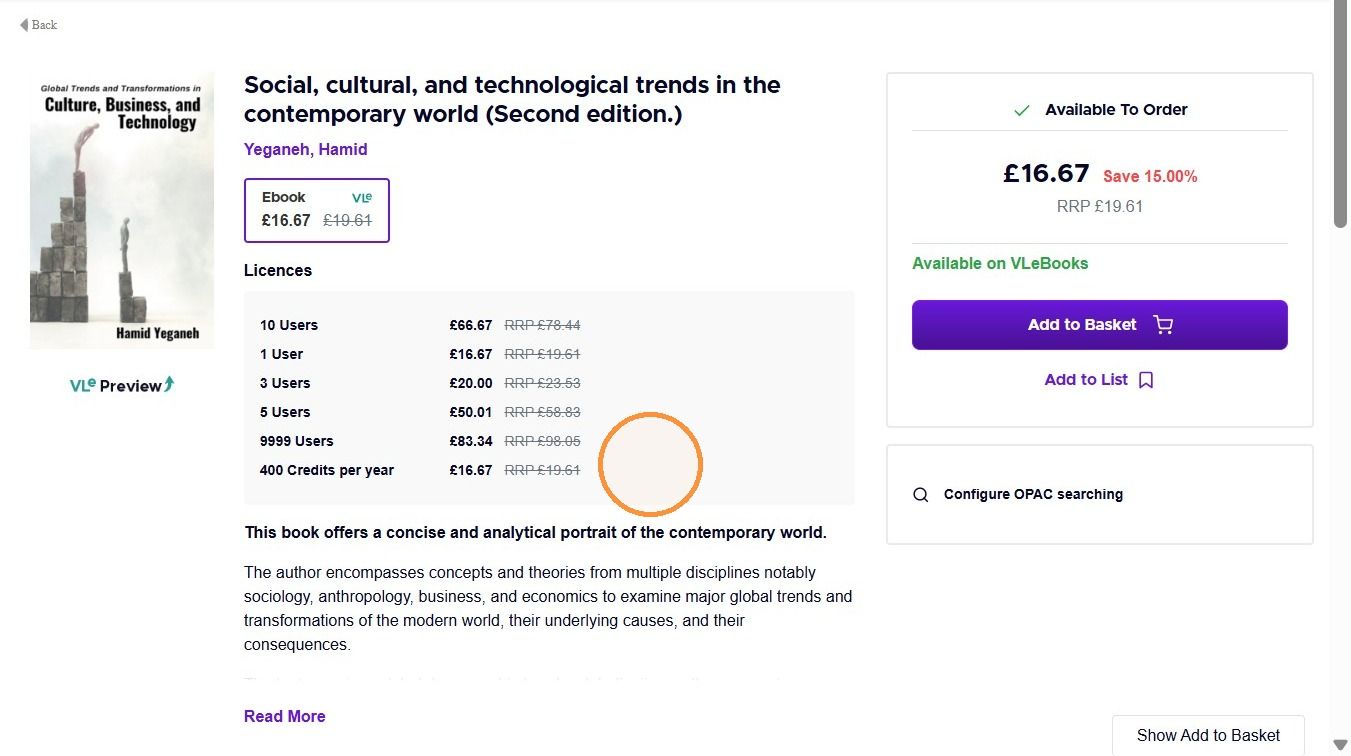
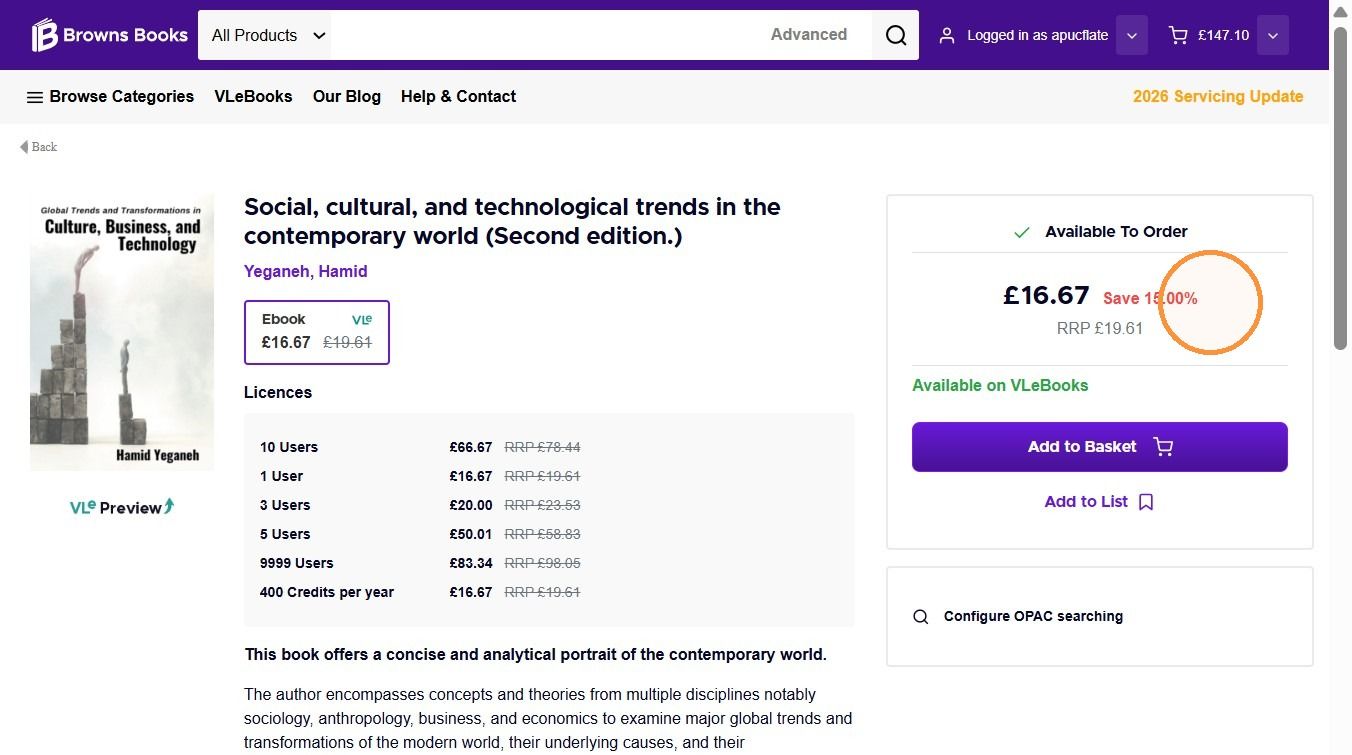
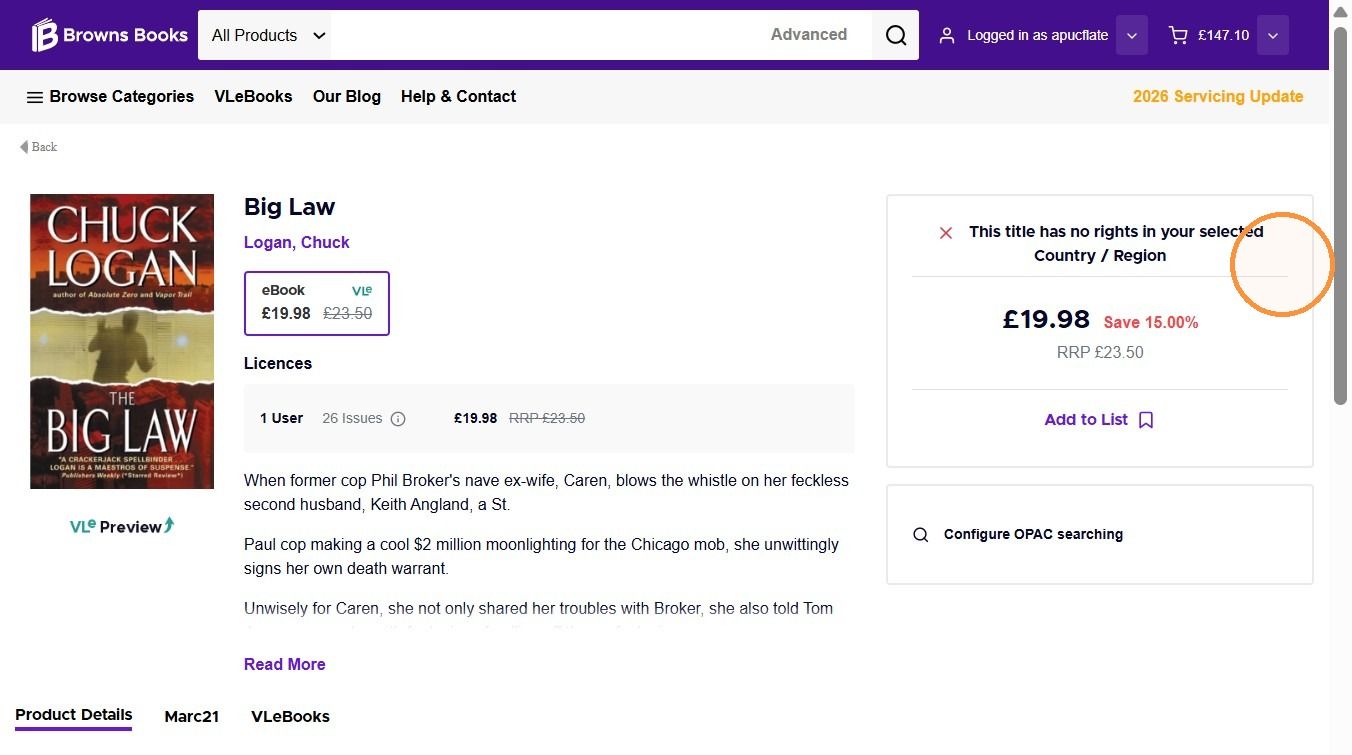
4. The product page shows a table of every available licence model and its price, so you can compare options at a glance.
Format and DRM information
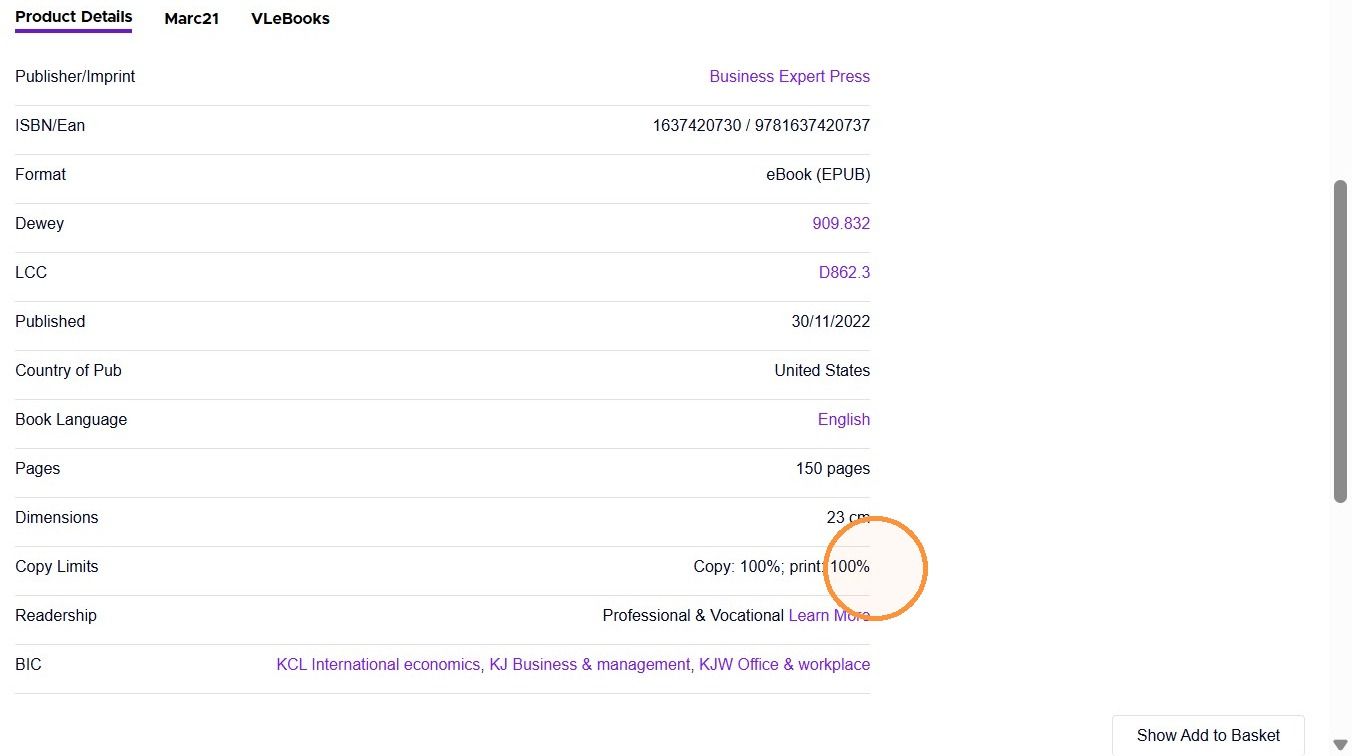
5. Scroll down to the Product Details tab to see information such as the format.
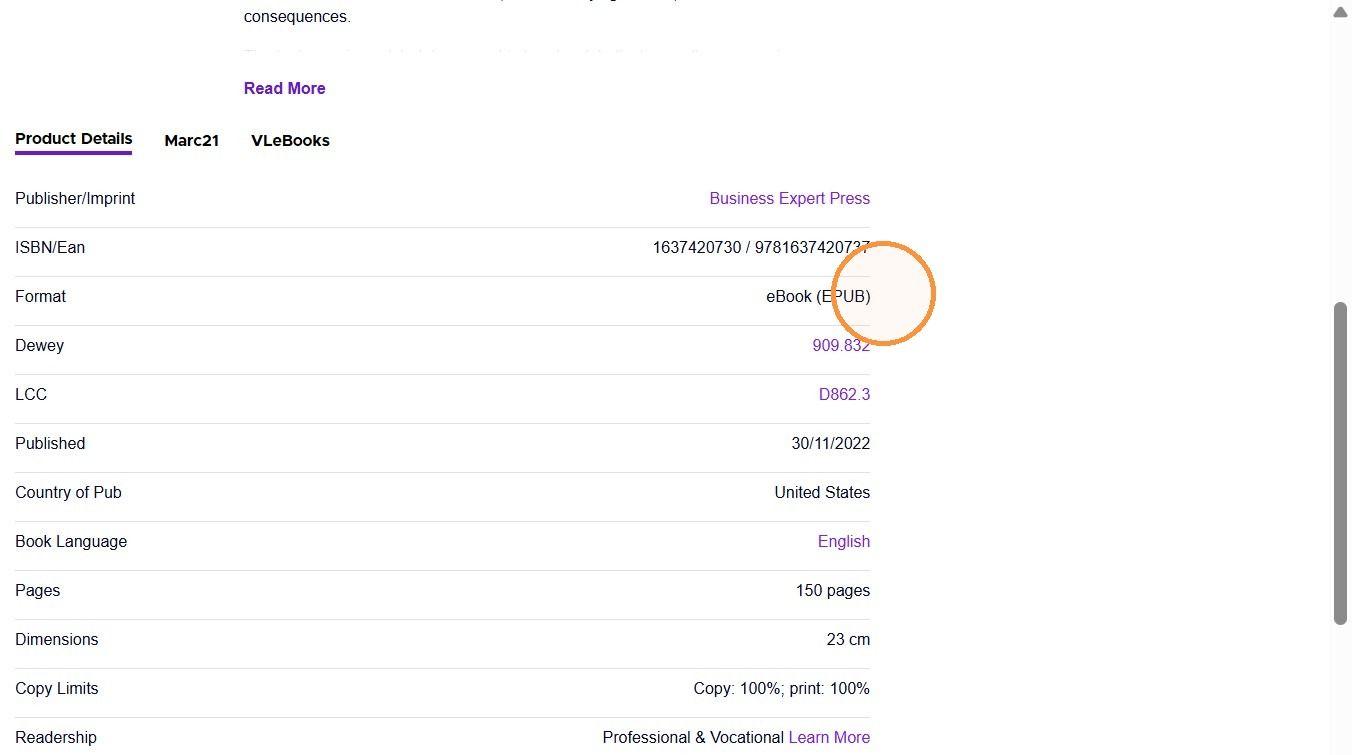
6. The Product Details tab also shows DRM information and any usage restrictions.
Discounts
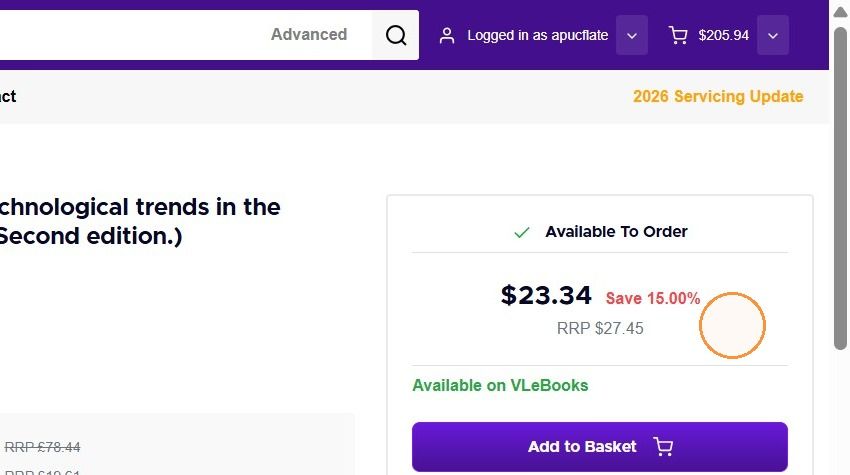
7. The pricing box at the top of the product page shows your discount rate.
View prices in your own currency
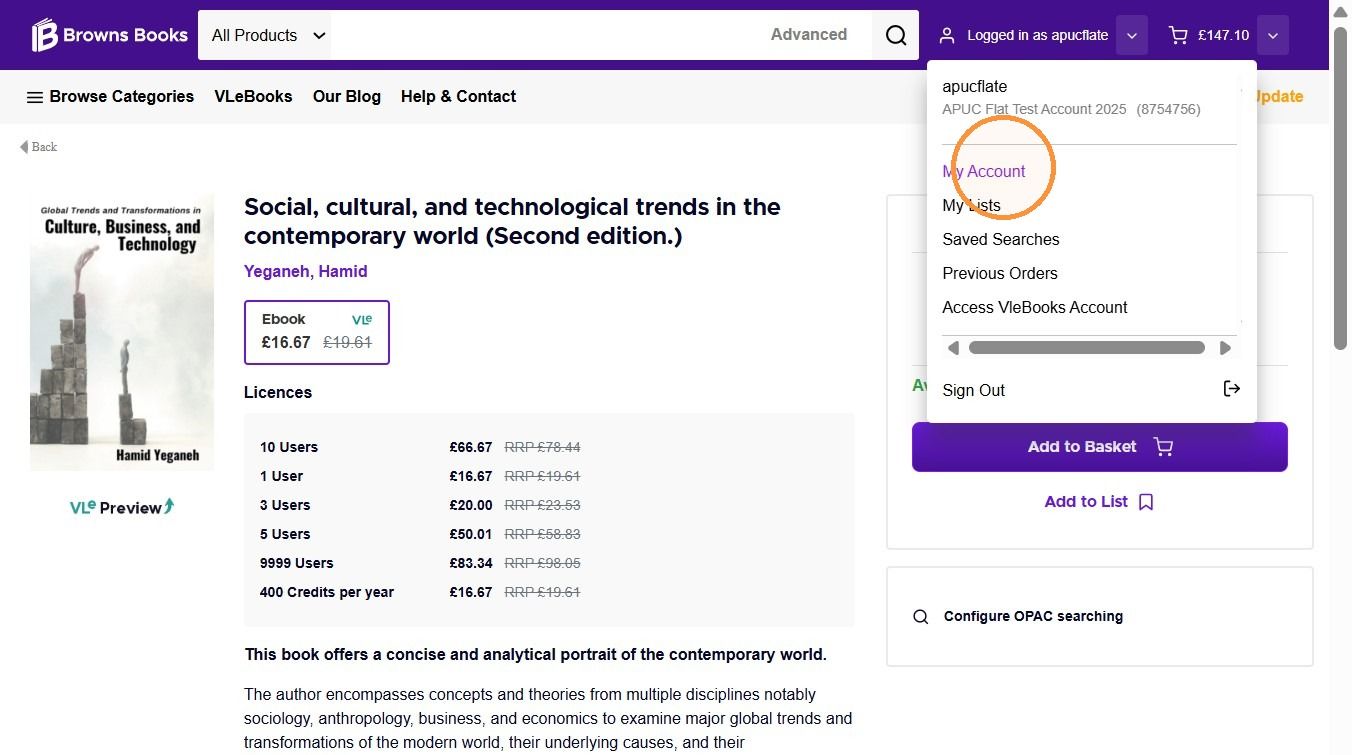
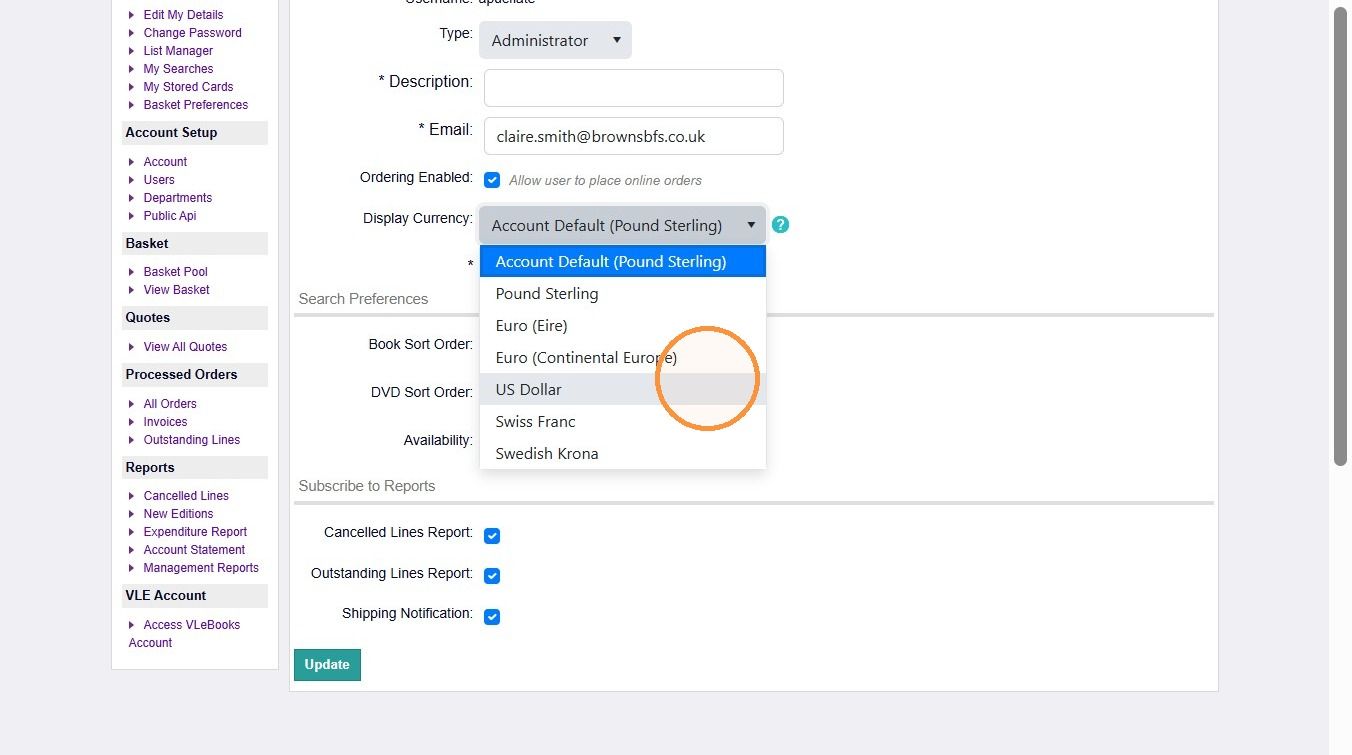
8. To change the currency prices are shown in, go to the My Account section.
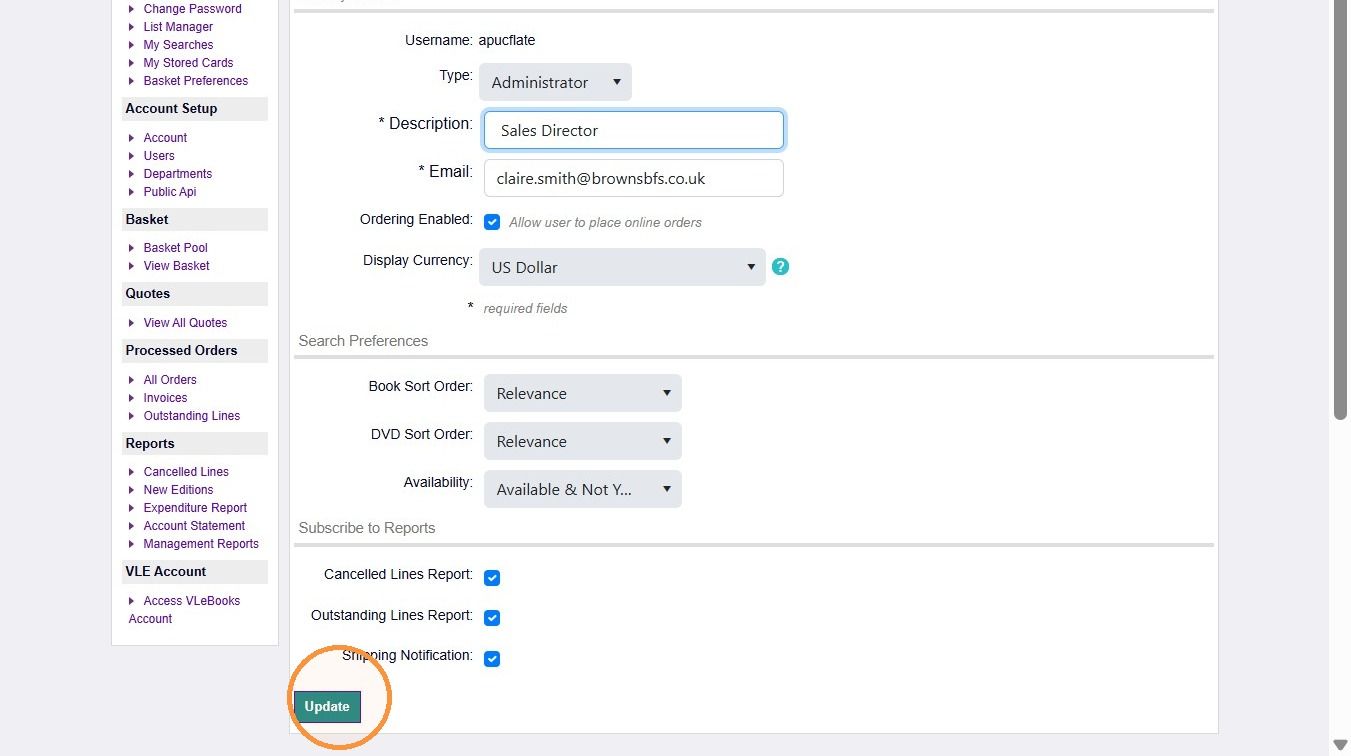
9. In the Display Currency menu, select your currency.
10. Click Update.
11. Prices will now be shown in your chosen currency.
Regional restrictions
12. Any geographical restrictions are clearly shown in the search results.
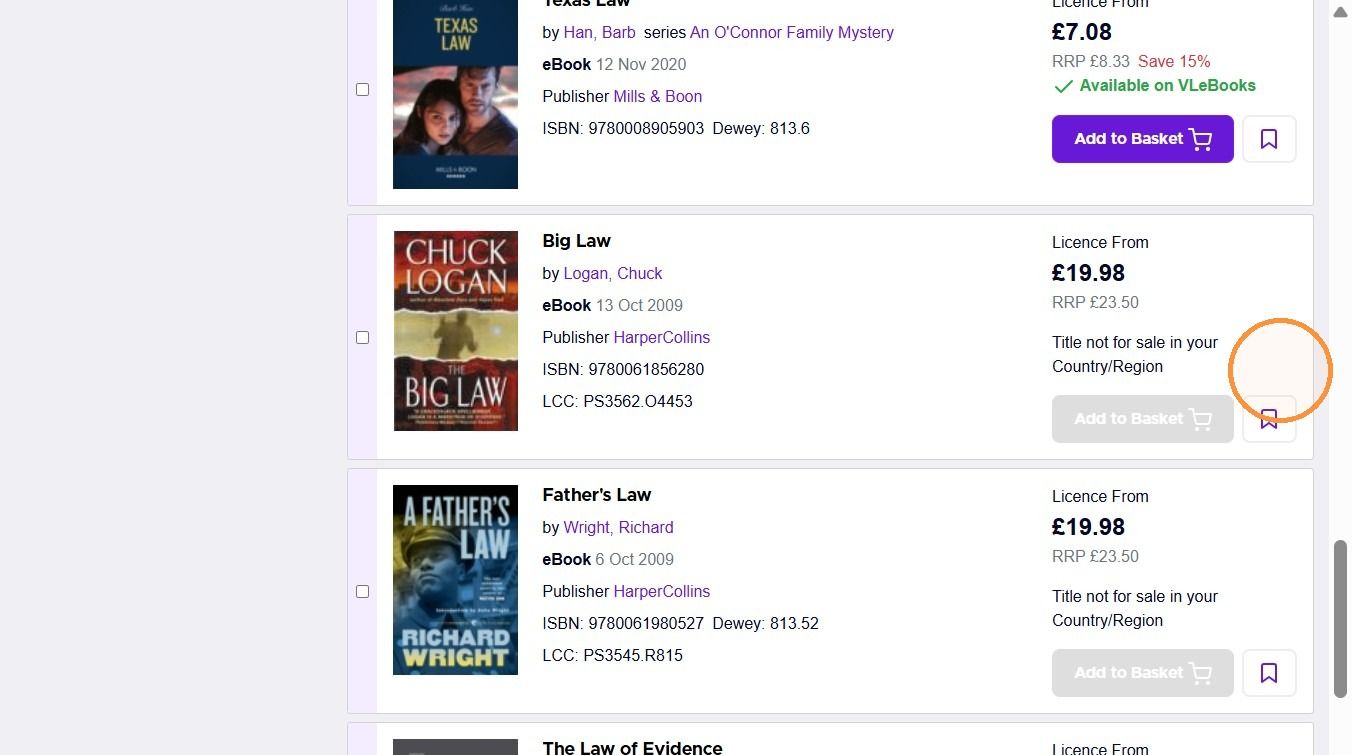
13. They are also shown on the product page, with the message "This title has no rights in your selected Country / Region".
Was this helpful?
Still need help? Share an idea