Add a new user
Add a new user to your Browns Books account, set their password, permissions and ordering access, and choose which reports they receive.
Last updated About 2 hours ago
Note: You need to be logged in as an administrator to add new users.
1. Log in to the Browns Books website as an administrator.
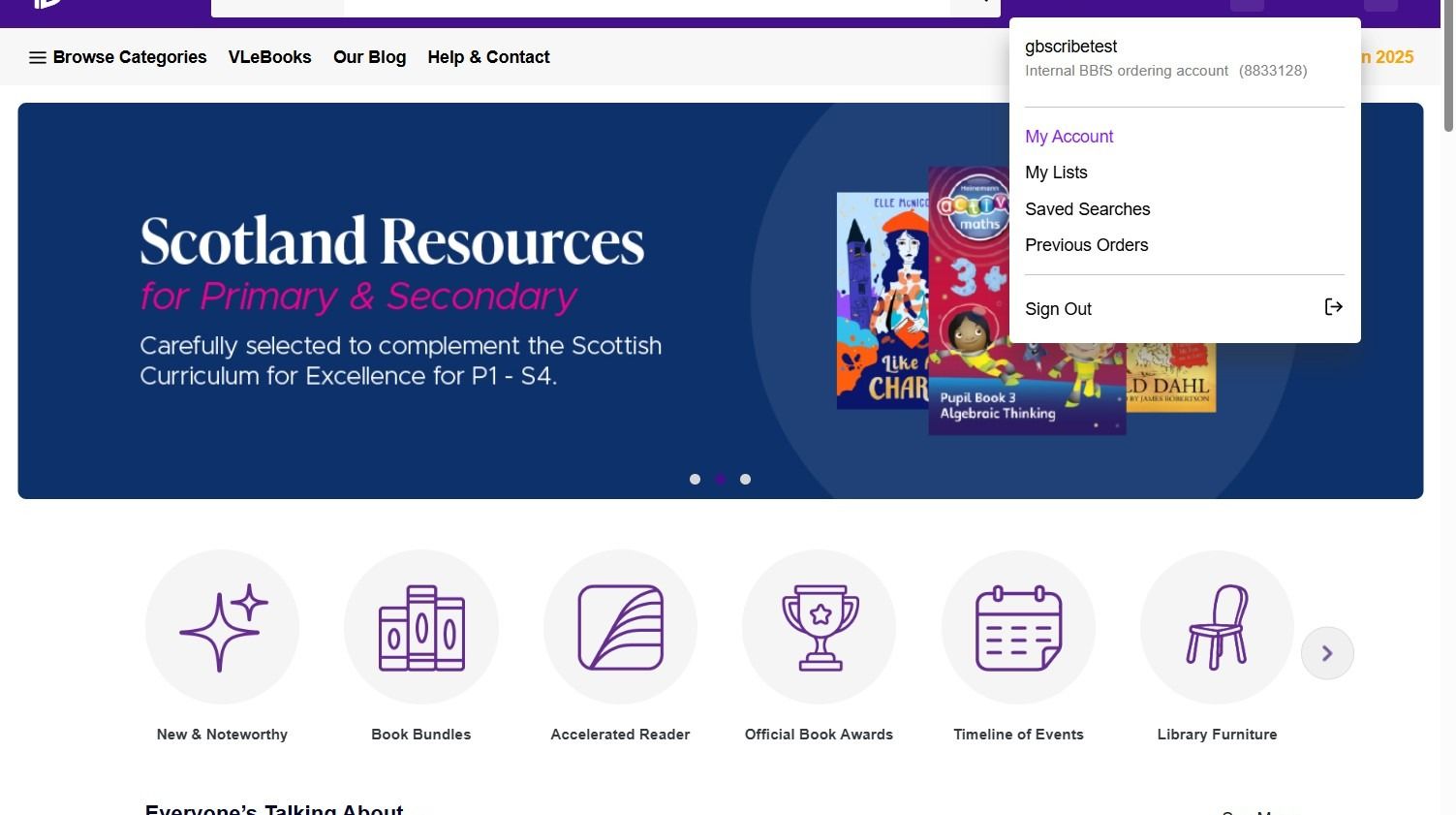
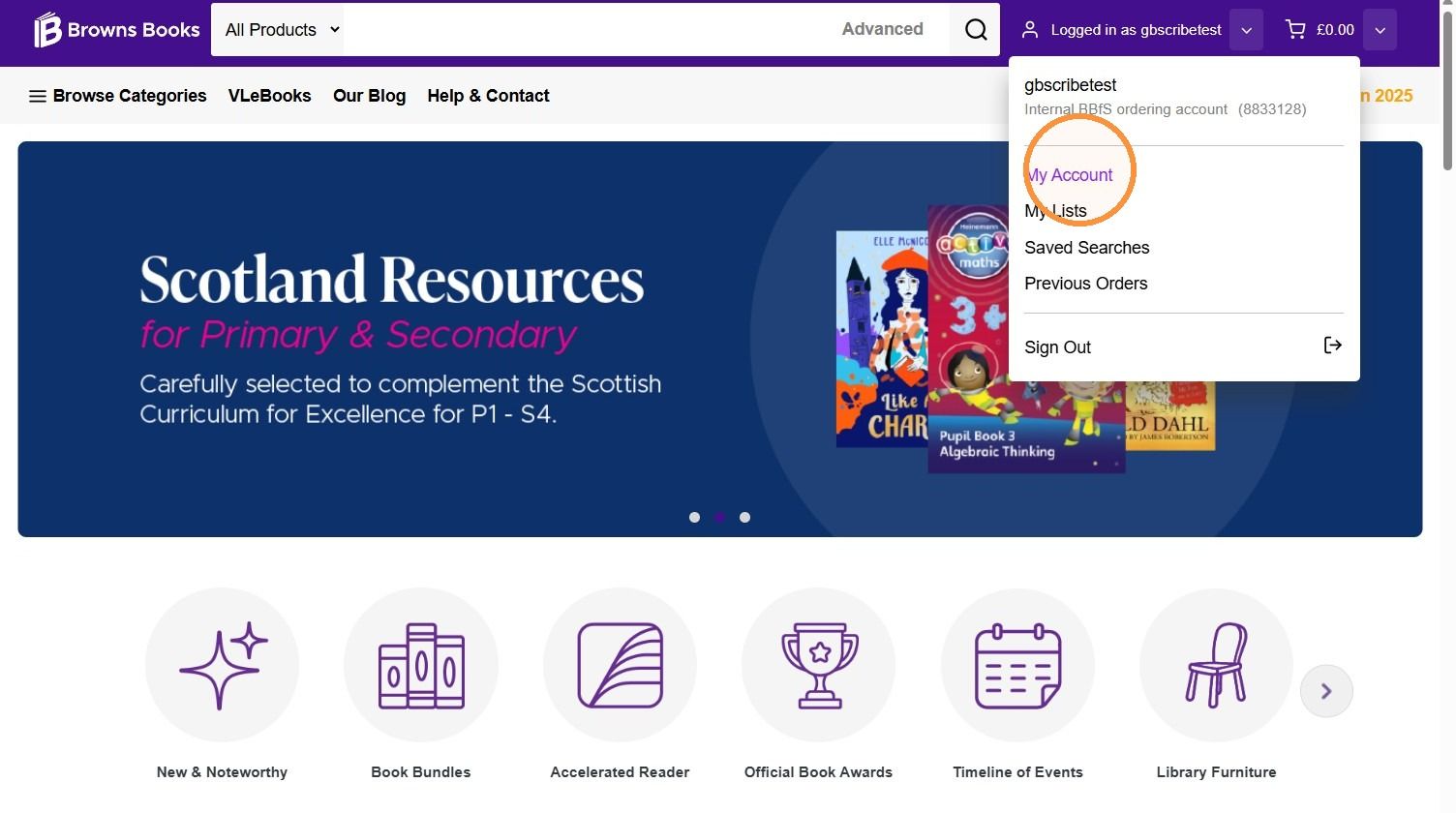
2. Hover over the user icon and click My Account.
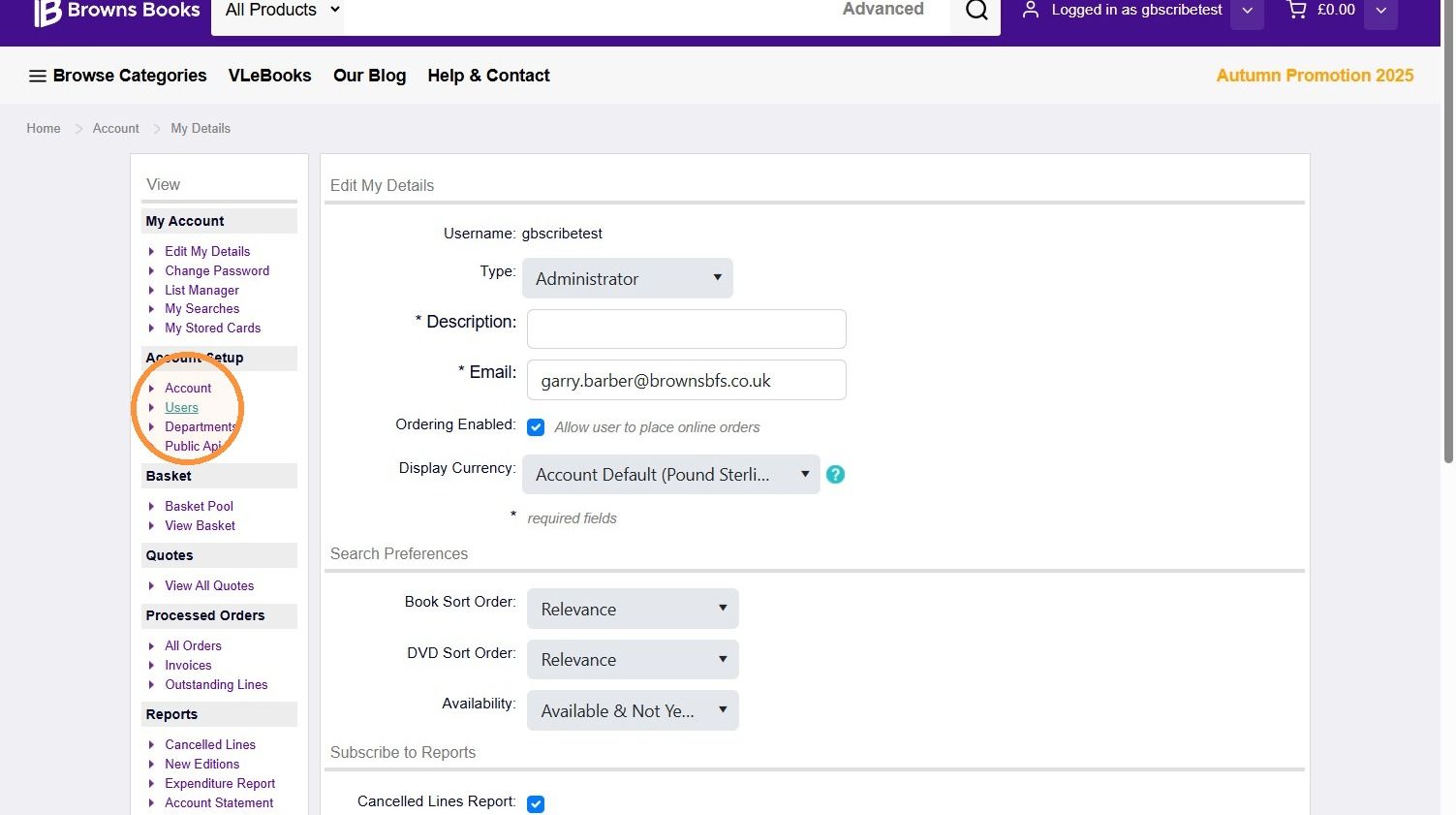
3. In the menu on the left, click Users.
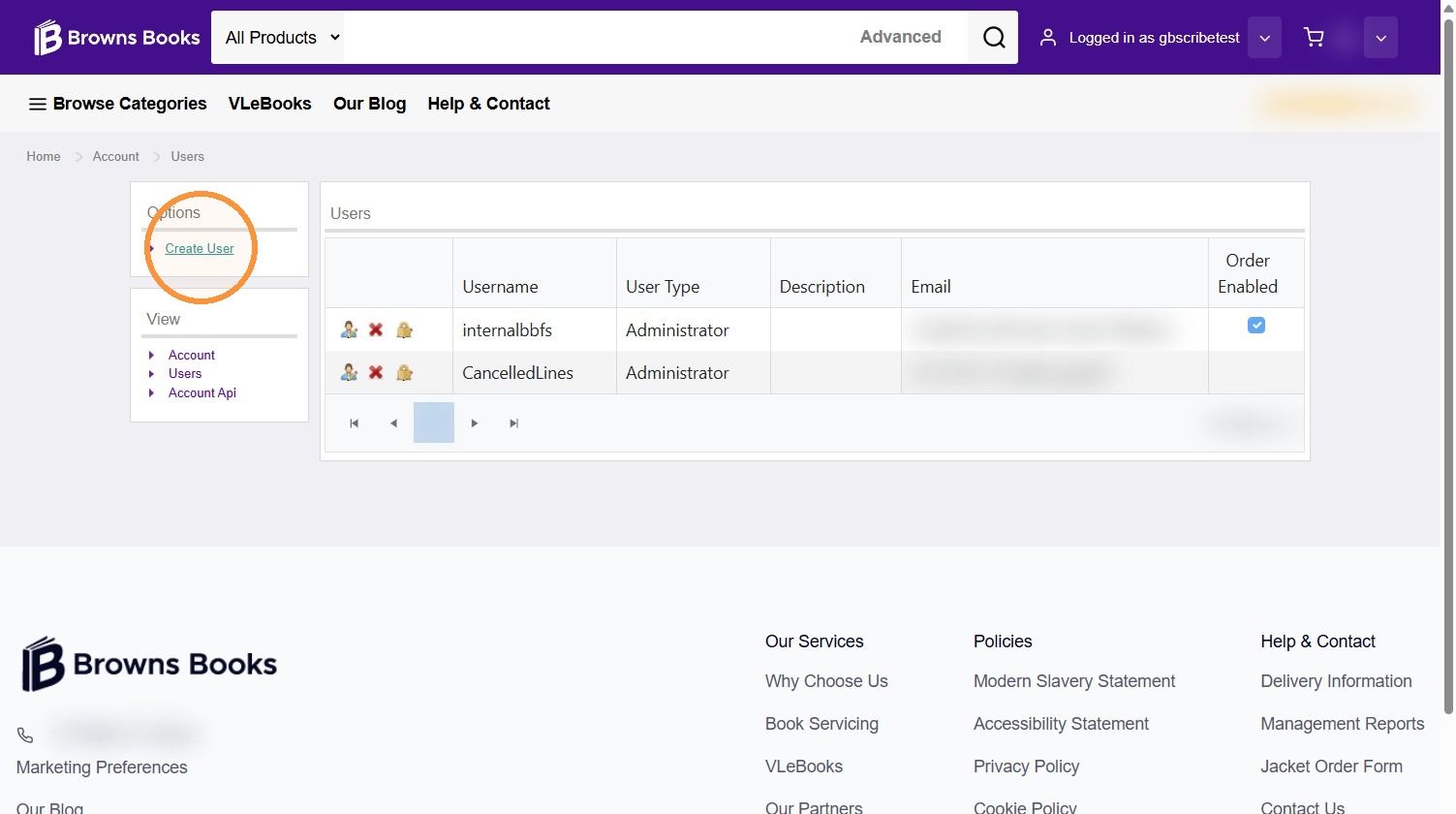
4. Click Create User.
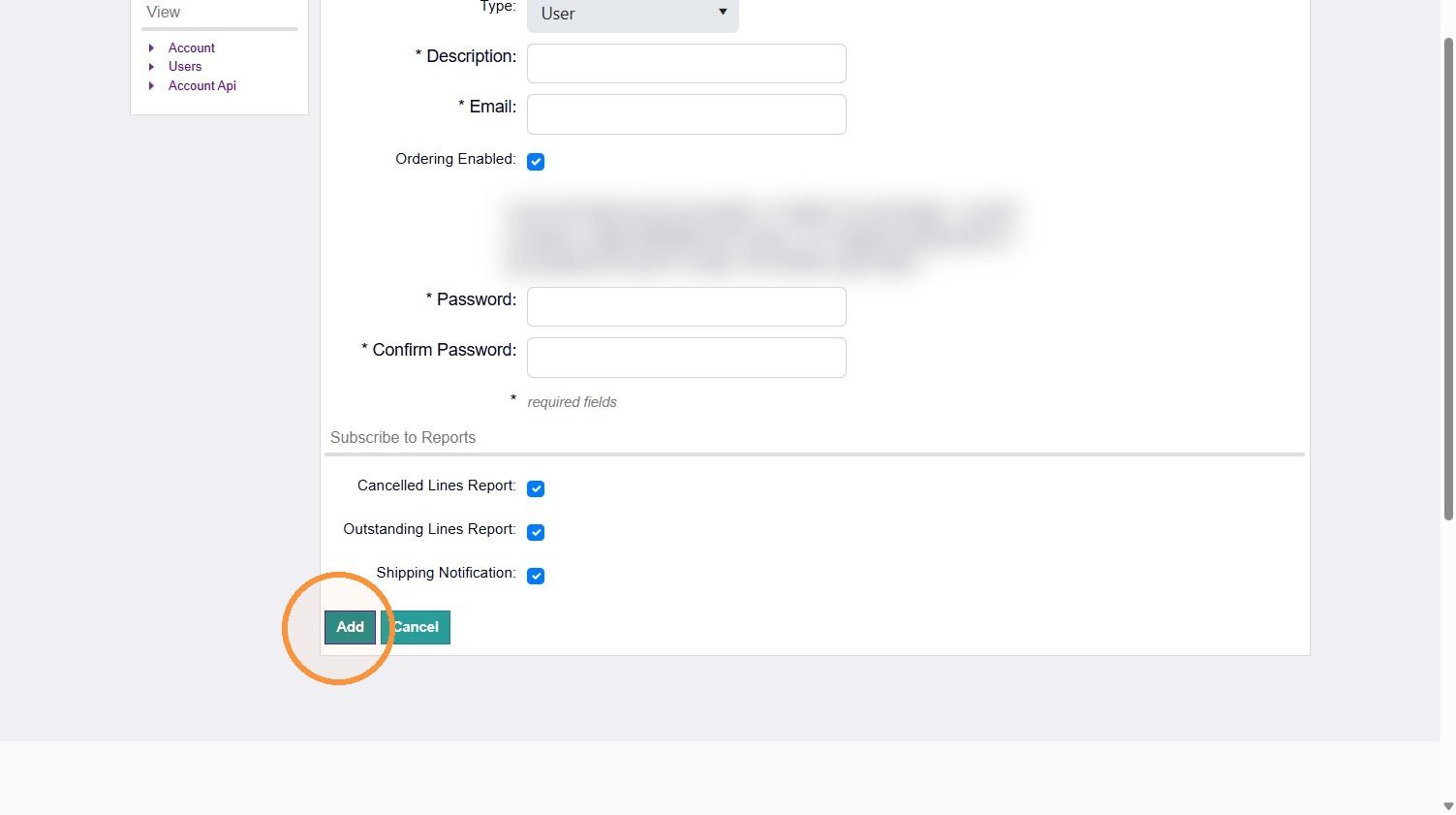
5. Enter the user's details, including their username, role description and email address.
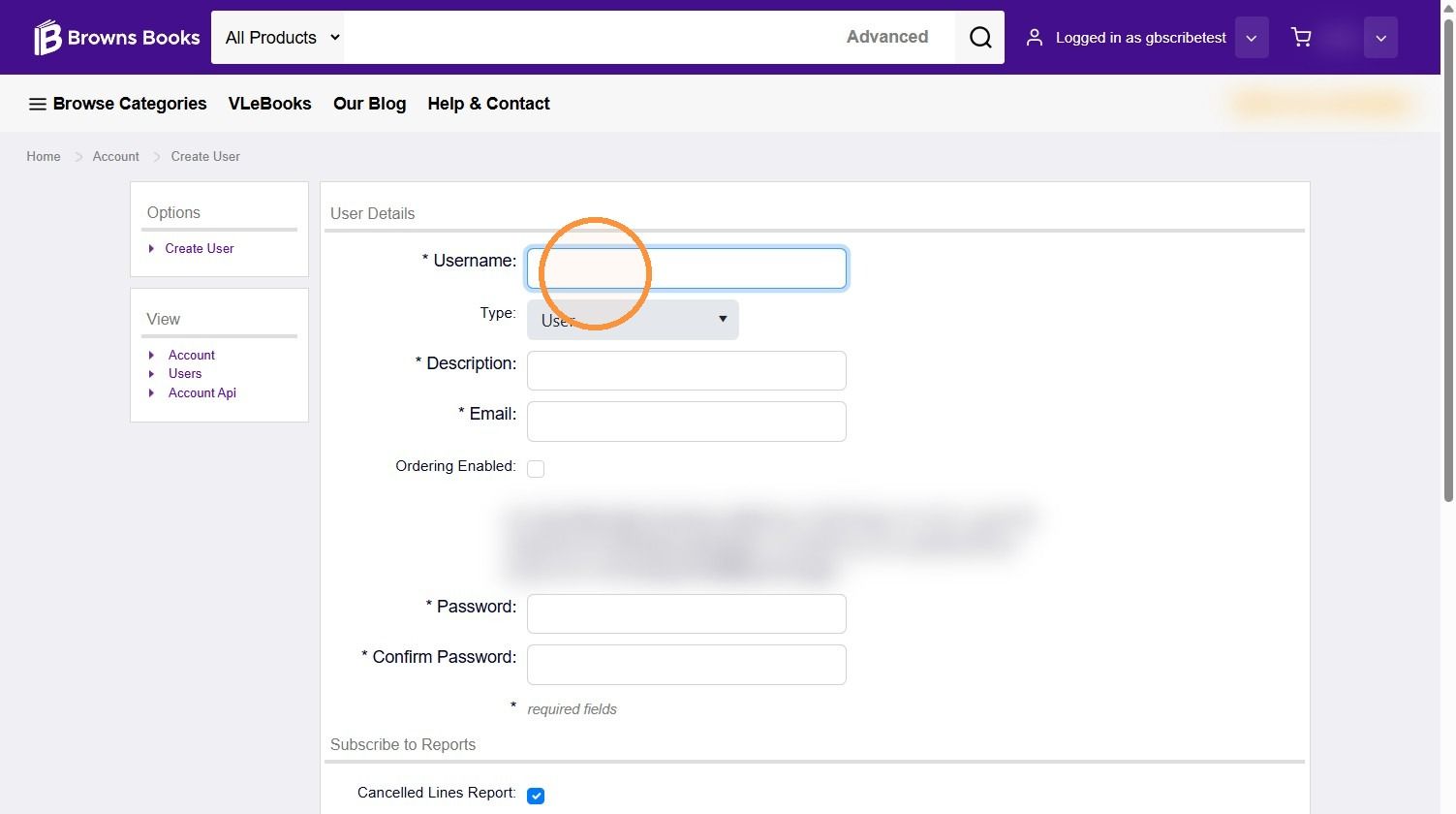
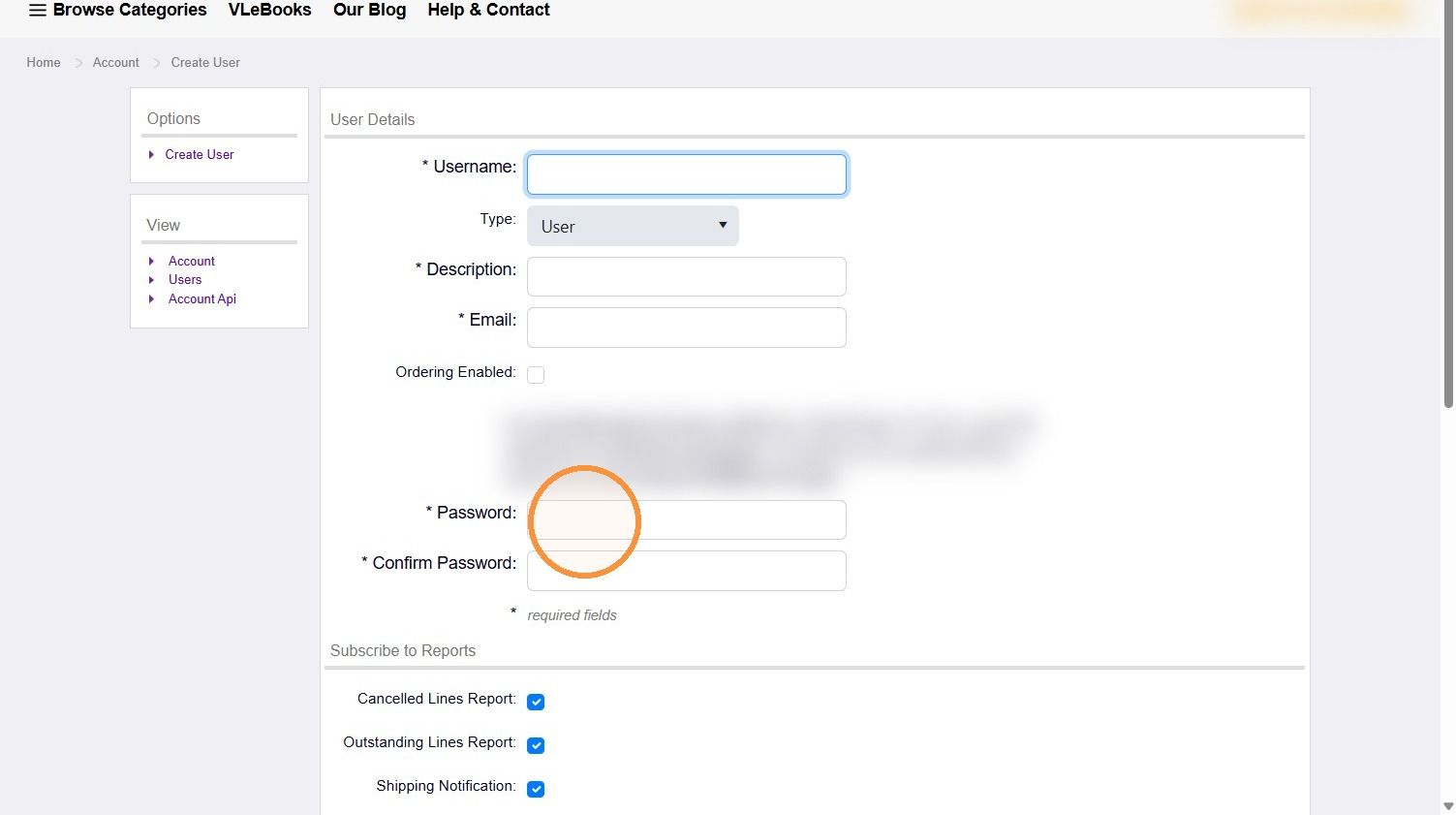
6. Enter a password for the user.
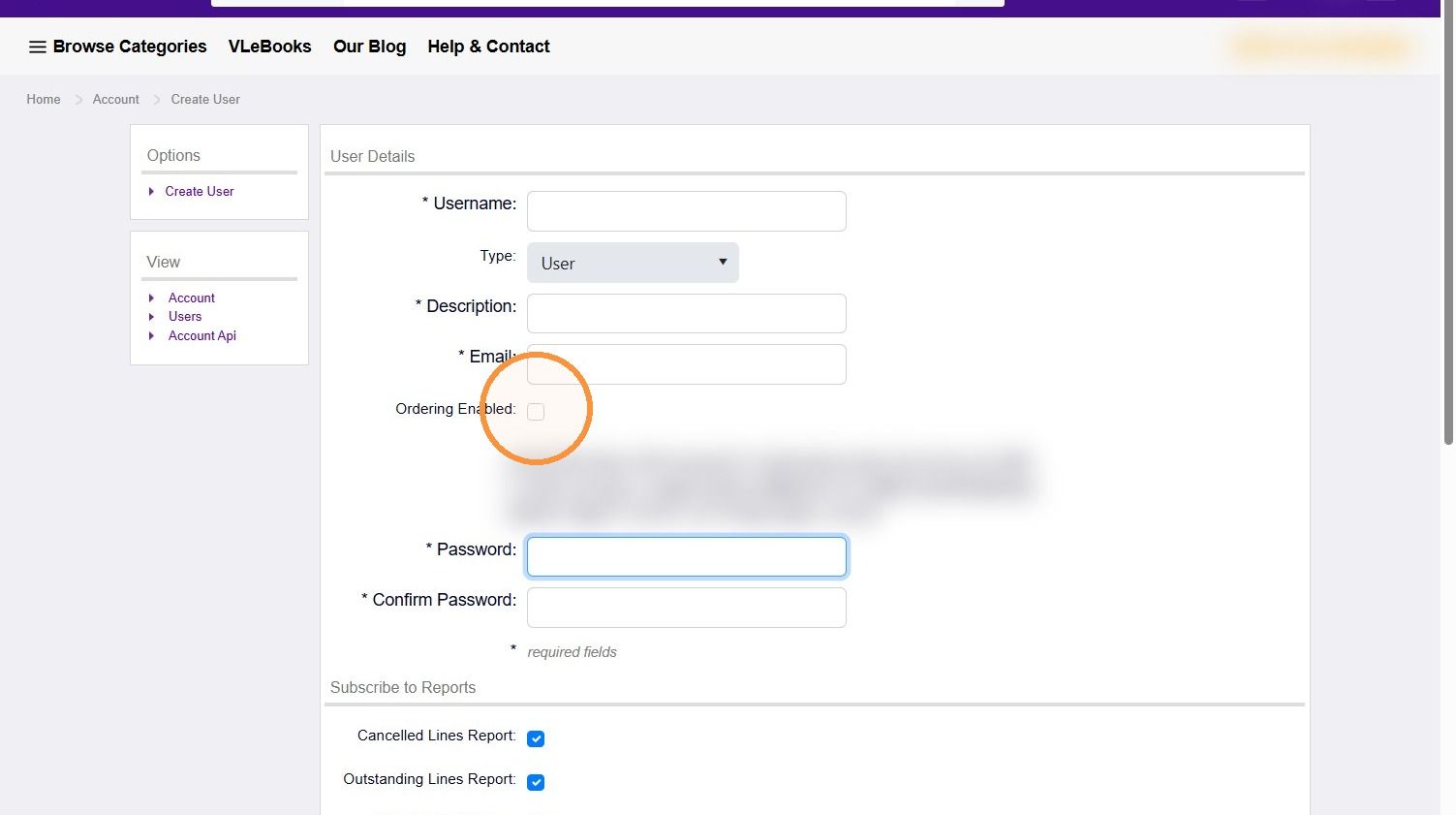
7. If the user is allowed to place orders, tick Order Enabled.
8. Select any reports the user should receive.
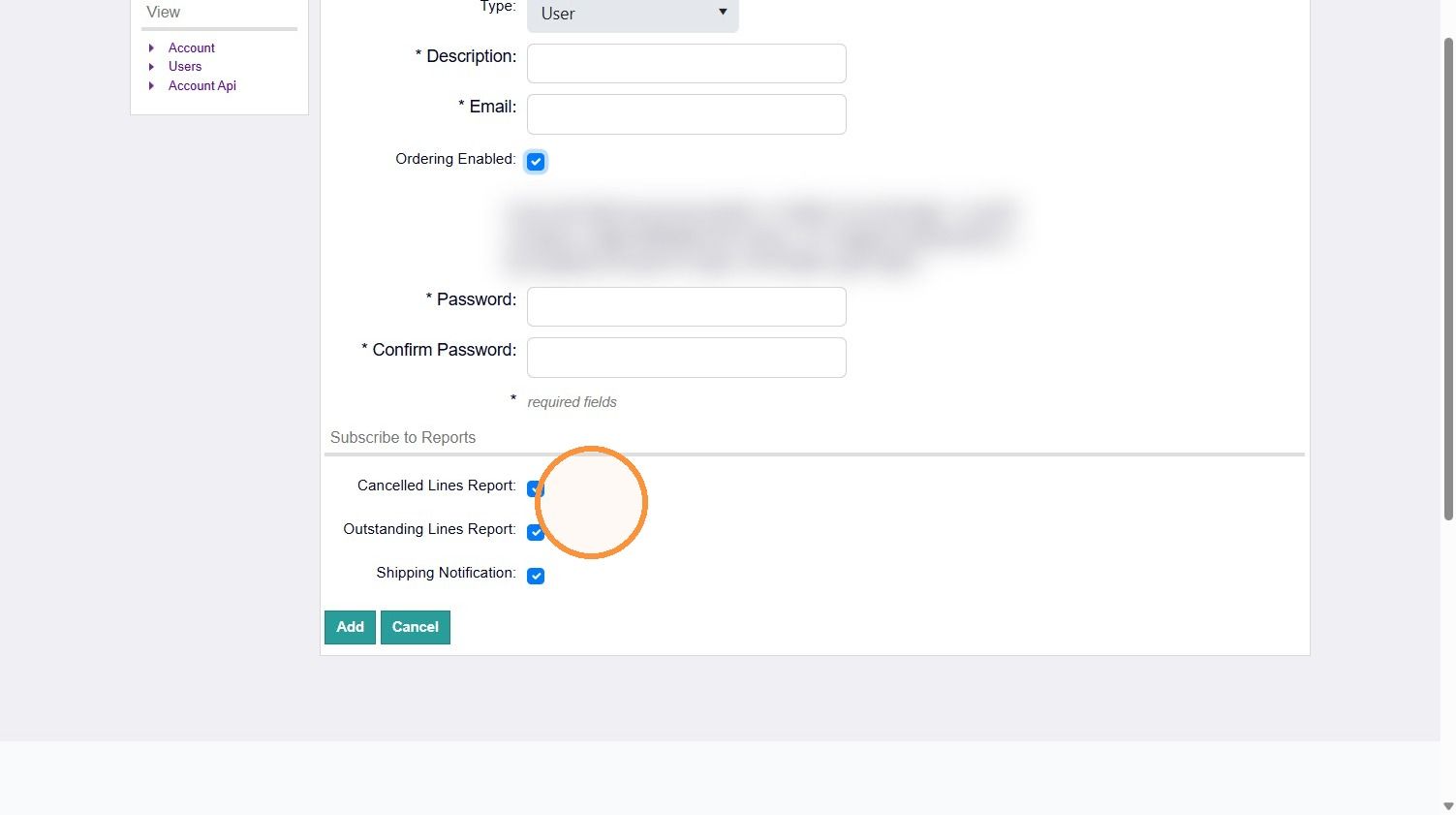
9. Click Add. The new user is now active.
Was this helpful?
Still need help? Share an idea